ដាក់ទំនិញលក់Add your products
មានបីរបៀបដាក់ទំនិញលក់។ ផ្ញើបន្តប្រកាសទៅ Telegram bot លឿនជាងគេ។ ទំនិញនីមួយៗត្រូវមានតម្លៃជាដុល្លារ ឈ្មោះហ្គេម និងរូបថតយ៉ាងហោចណាស់មួយ។
There are three ways to put an account up for sale. Forwarding your posts to the Telegram bot is fastest; you can also paste a Facebook post link, or fill in the form by hand. Every product needs a price in US dollars, the game, and at least one photo. Your store must be activated first.
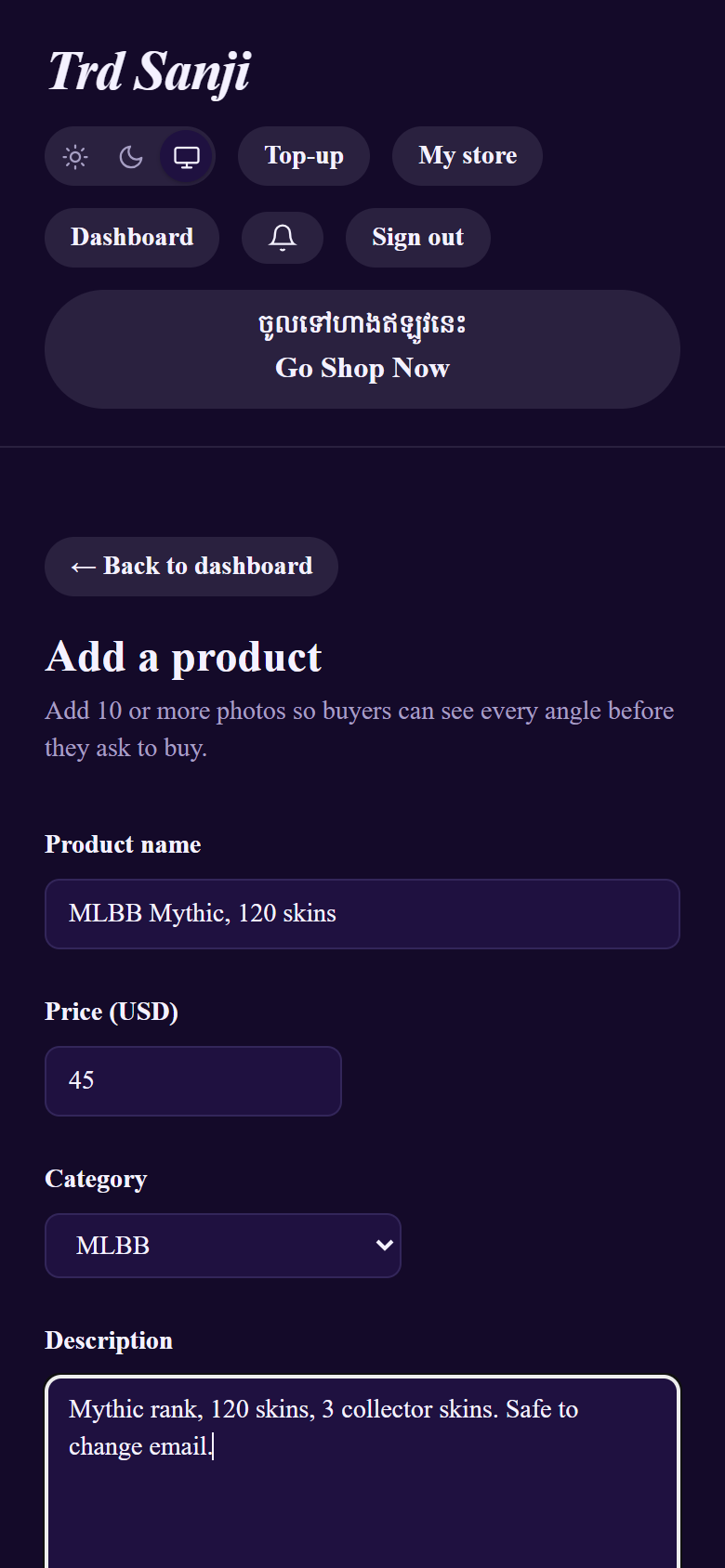
រូបភាពខាងក្រោមមកពីហាងគំរូ «Sokha Game Shop»។ The pictures come from a sample store, "Sokha Game Shop". Your screens show your own store.
របៀបទី១ — Telegram bot (លឿនជាងគេ)Way 1 — Telegram bot (fastest)
1ភ្ជាប់ Telegram (ម្តងប៉ុណ្ណោះ)Connect Telegram (once)
Dashboard → Import from Facebook / Telegram → ចុច Connect Telegram → ចុច Start ក្នុង Telegram។
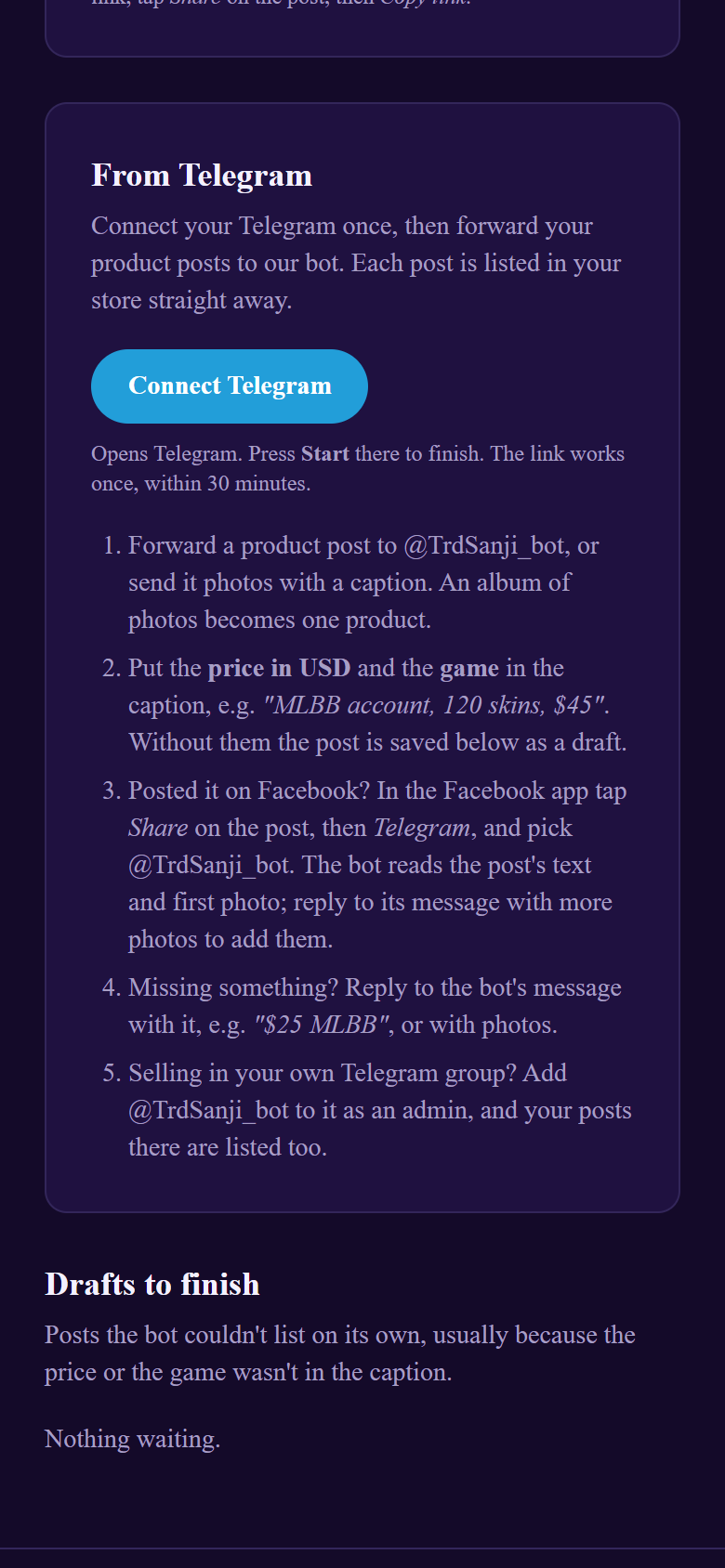
2ផ្ញើ ឬបញ្ជូនបន្តប្រកាសSend or forward your posts
ផ្ញើរូបថតជាមួយការពិពណ៌នា ឬបញ្ជូនបន្តប្រកាសពី channel/group របស់អ្នក។ ការពិពណ៌នាត្រូវមានតម្លៃជាដុល្លារ និងឈ្មោះហ្គេម។
MLBB account, 120 skins, $25 or PUBG តម្លៃ 45$.$45 · 45$ · 45 USD · តម្លៃ💰175MLBB or ML · PUBG · FF or Free Fire · Jx2 Sabay · AK2 · Jx2 Reborn · Jx2 Royalកូត #KJ0963ដាក់លក់ ឬបំពេញអ្វីដែលខ្វះListed, or fill in what's missing
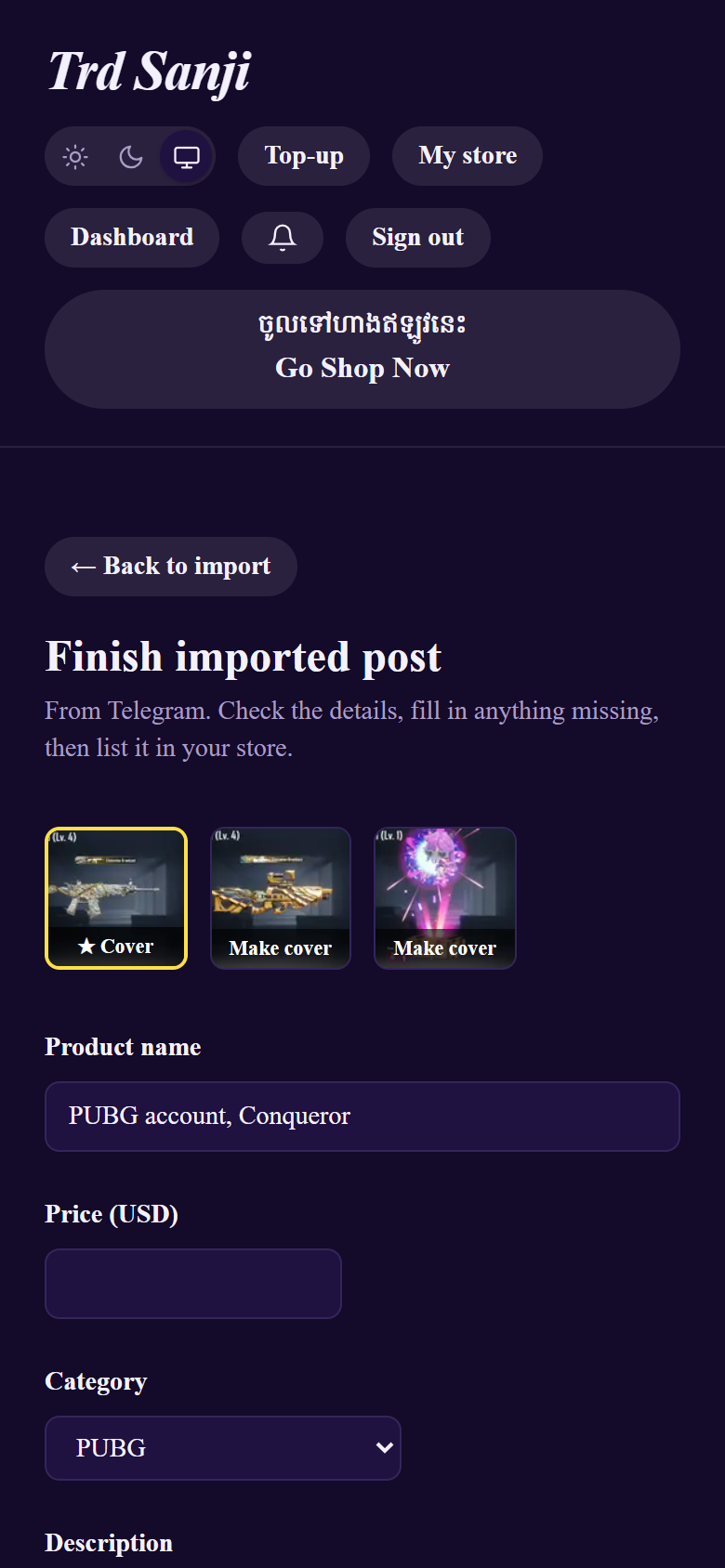
បើគ្រប់គ្រាន់ bot ដាក់លក់ភ្លាម។ បើខ្វះតម្លៃ ឬហ្គេម សូម Reply ទៅសាររបស់ bot (ឧ. $25 MLBB) ឬបំពេញលើគេហទំព័រ។
$25 MLBB, or just 25) and it's listed. Or finish it on the website: your Dashboard shows a yellow bar; tap it, fill in what's missing, choose the cover photo and tap List in my store.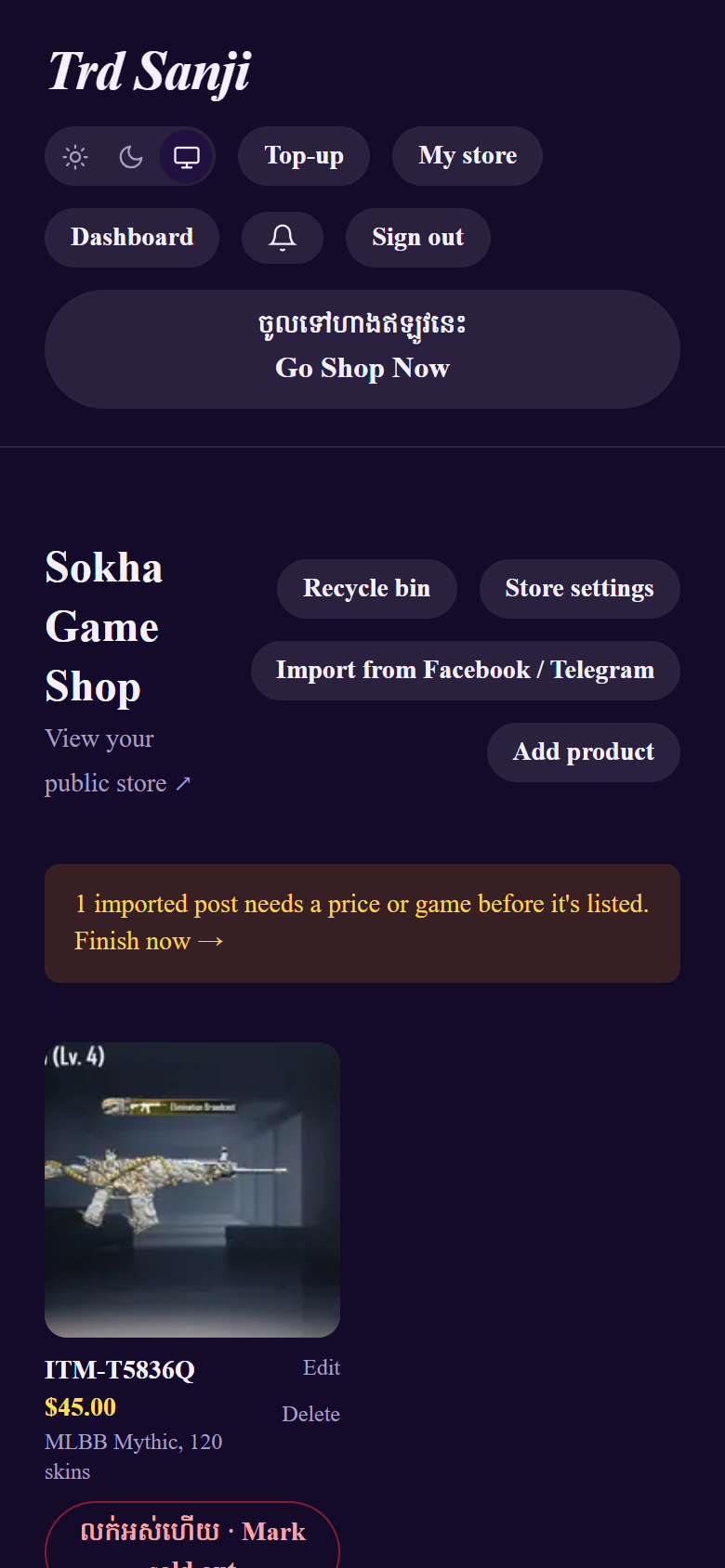
A Facebook post can go to the bot too: in the Facebook app tap Share → Telegram → @TrdSanji_bot. / អាចចែករំលែកប្រកាស Facebook ទៅ bot បានដែរ។
របៀបទី២ — តំណ FacebookWay 2 — Facebook post link
1ចម្លងតំណប្រកាសCopy the post's link
ក្នុង Facebook ចុច Share → Copy link លើប្រកាស។
2បិទភ្ជាប់ ហើយ ImportPaste it and import
Dashboard → Import from Facebook / Telegram → បិទភ្ជាប់តំណ → ចុច Import post។
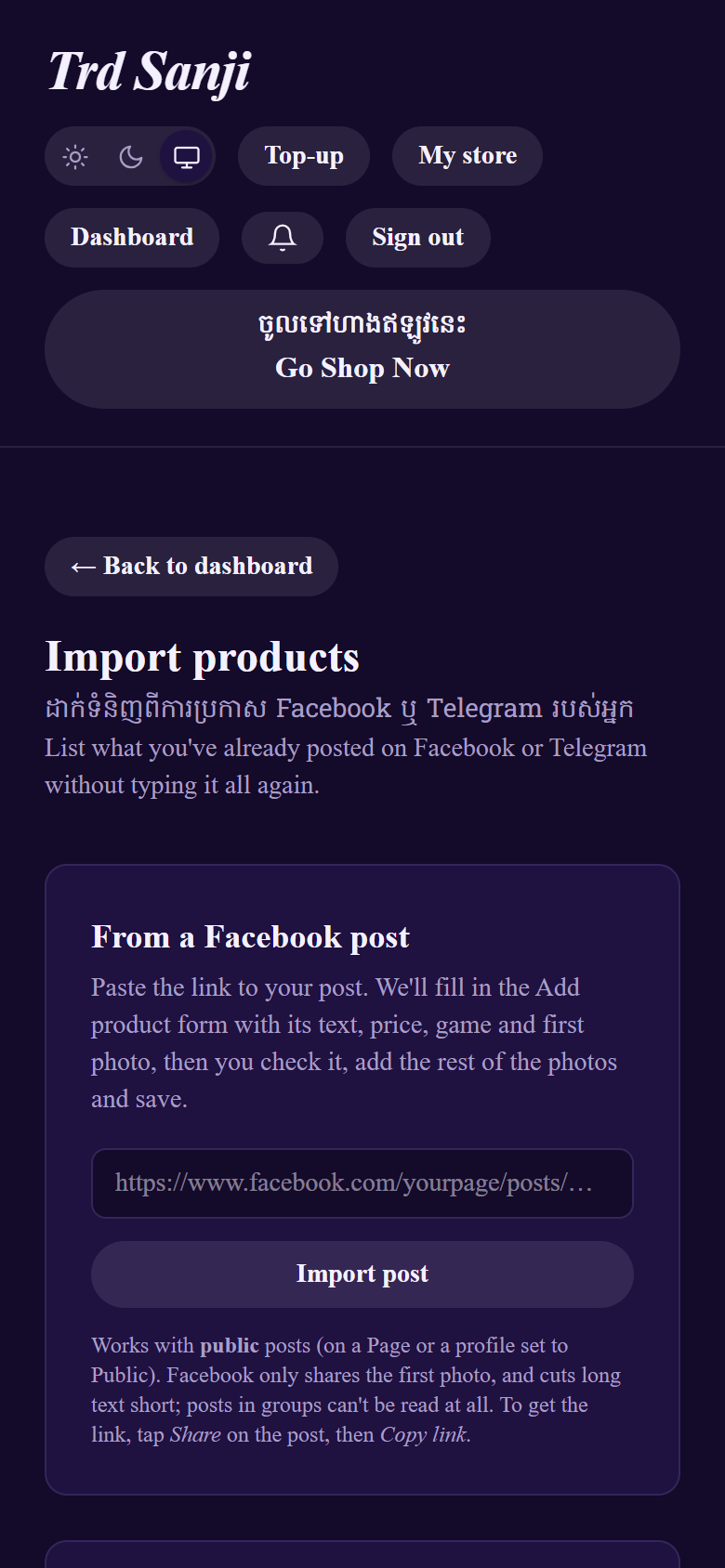
3ពិនិត្យ ហើយរក្សាទុកCheck and save
ទម្រង់ត្រូវបានបំពេញរួច។ បន្ថែមរូបថតផ្សេងទៀត រួចចុច Save product។
របៀបទី៣ — បញ្ចូលដោយខ្លួនឯងWay 3 — Add product on the website
1បំពេញព័ត៌មានFill in the details
Dashboard → Add product → បំពេញឈ្មោះ តម្លៃជាដុល្លារ ហ្គេម និងការពិពណ៌នា។
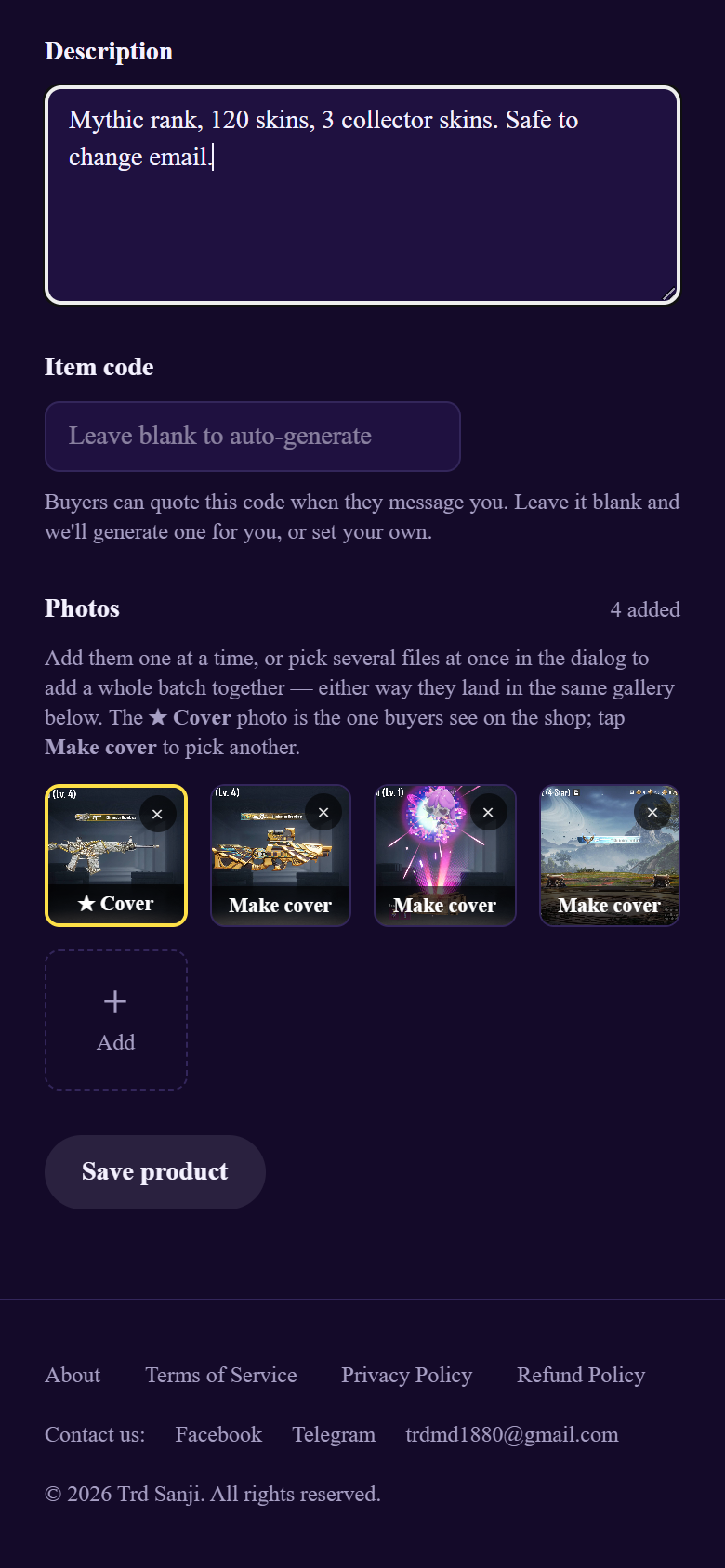
2បន្ថែមរូបថត ហើយជ្រើសរូបគម្របAdd photos and pick the cover
ចុច Add ជ្រើសរូបថតច្រើន។ រូបដែលមាន ★ Cover គឺជារូបទីមួយដែលអ្នកទិញឃើញ។ ចុច Make cover ដើម្បីប្តូរ។
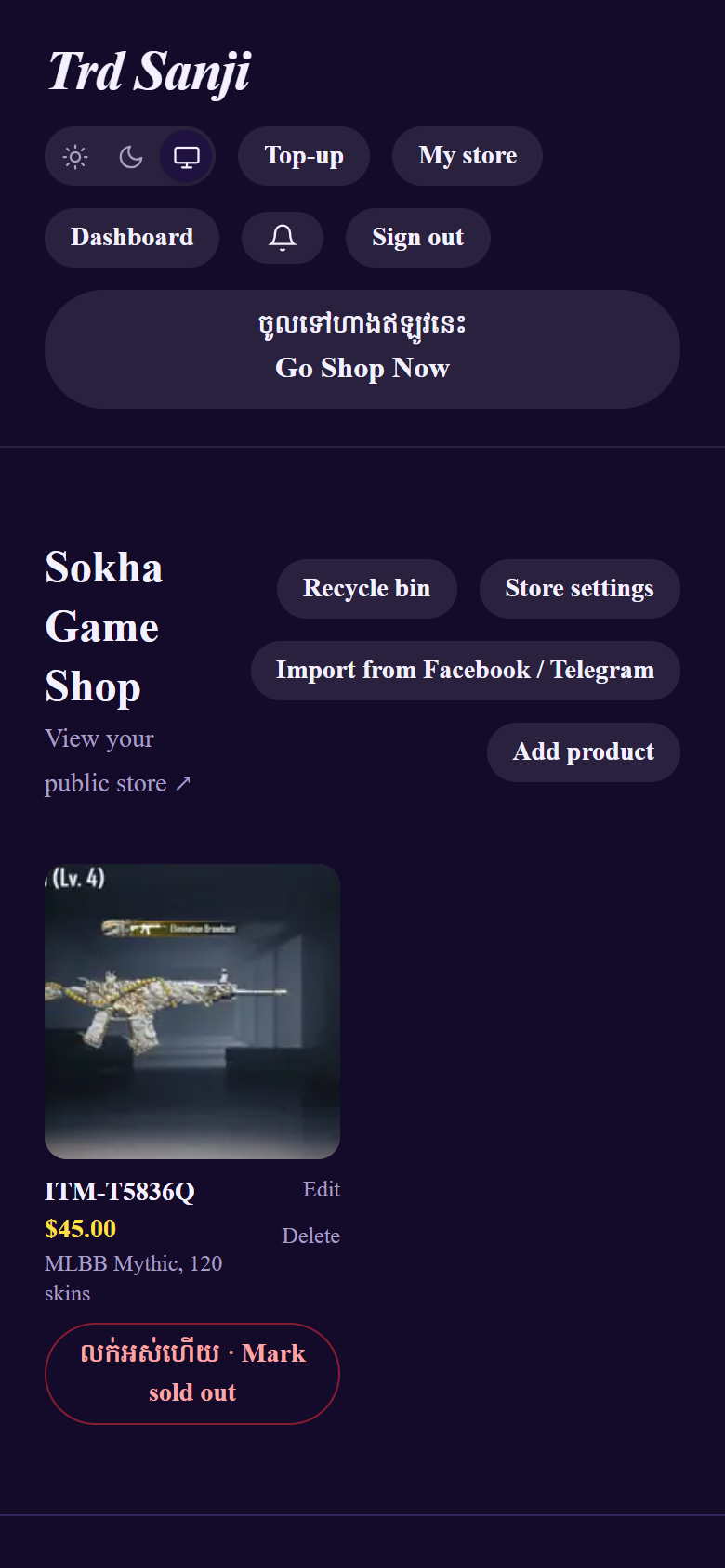
3ដាក់លក់រួចរាល់It's in your store
ទំនិញរបស់អ្នកនៅក្នុងហាង និងទំព័រដើមភ្លាមៗ។
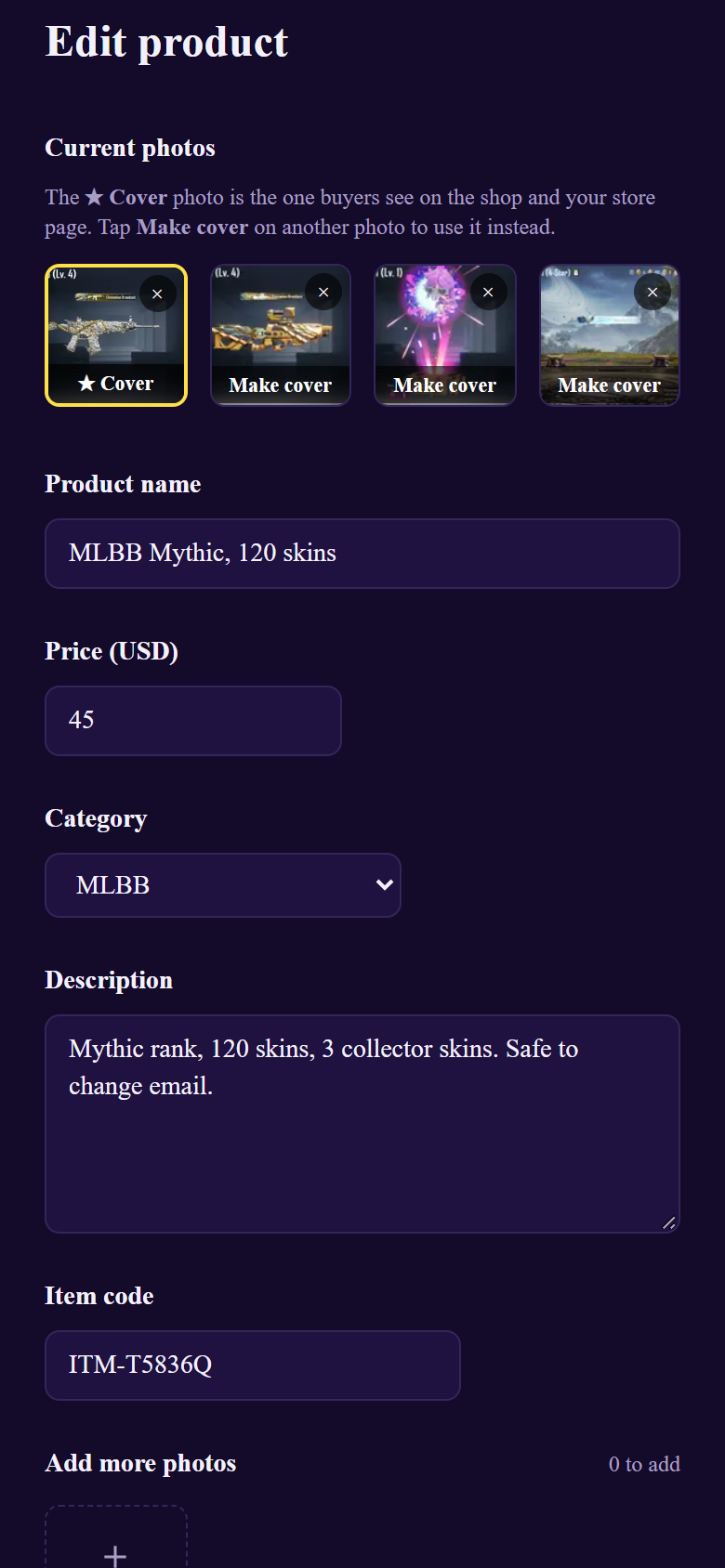
បន្ទាប់ពីដាក់លក់After listing
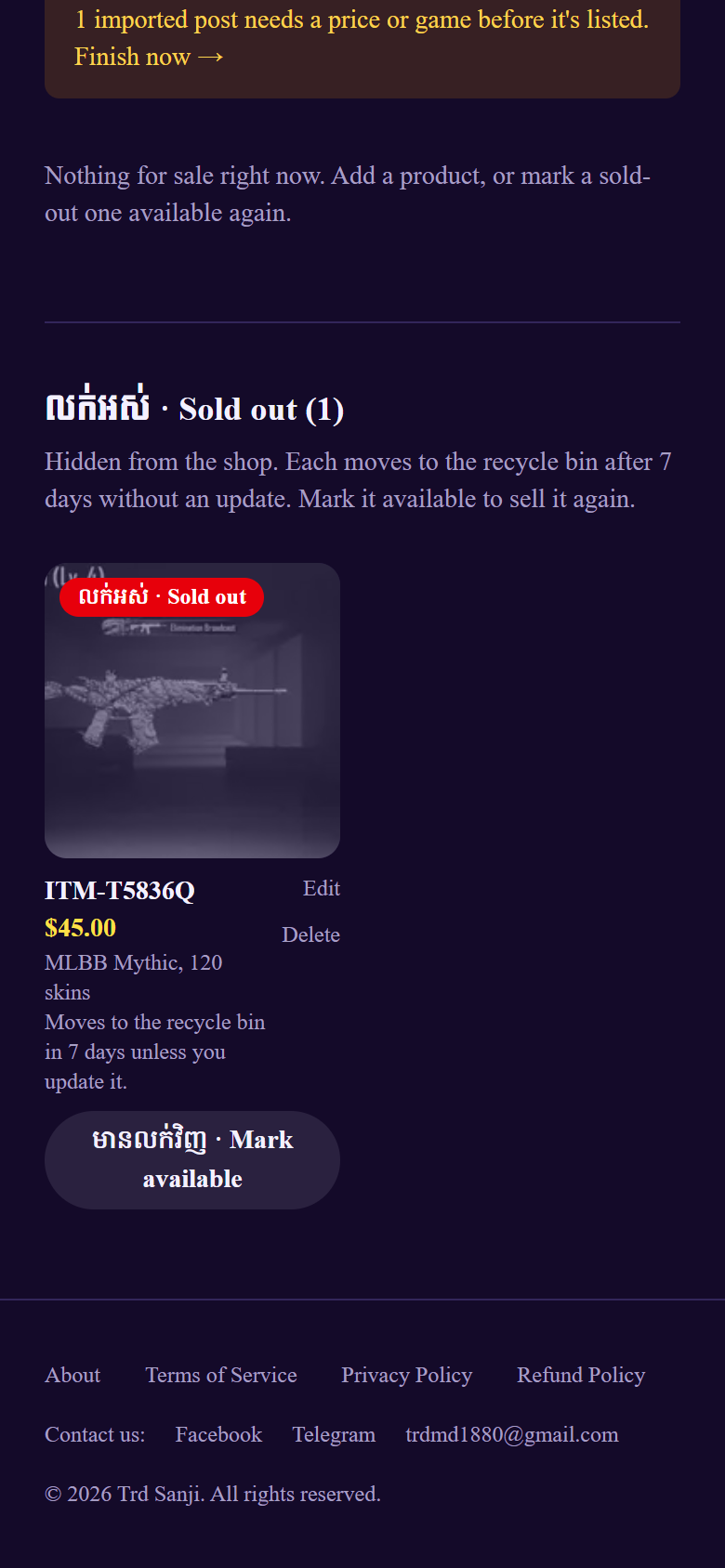
A sold-out product with no changes for 7 days moves to the Recycle bin by itself, then is deleted 7 days later. / ទំនិញលក់អស់ដែលមិនមានការកែប្រែ ៧ ថ្ងៃ នឹងទៅធុងសំរាម។
បញ្ហាទូទៅCommon problems
$25, 25$ or 25 USD. Riel isn't accepted.Tips: good photos sell. Use a clear cover (the rank or best skins), add 10 or more photos, and put the price and game in every caption so the bot lists it without questions. / ប្រើរូបថតច្បាស់ ១០ សន្លឹកឡើងទៅ ហើយដាក់តម្លៃ និងឈ្មោះហ្គេមរាល់ប្រកាស។